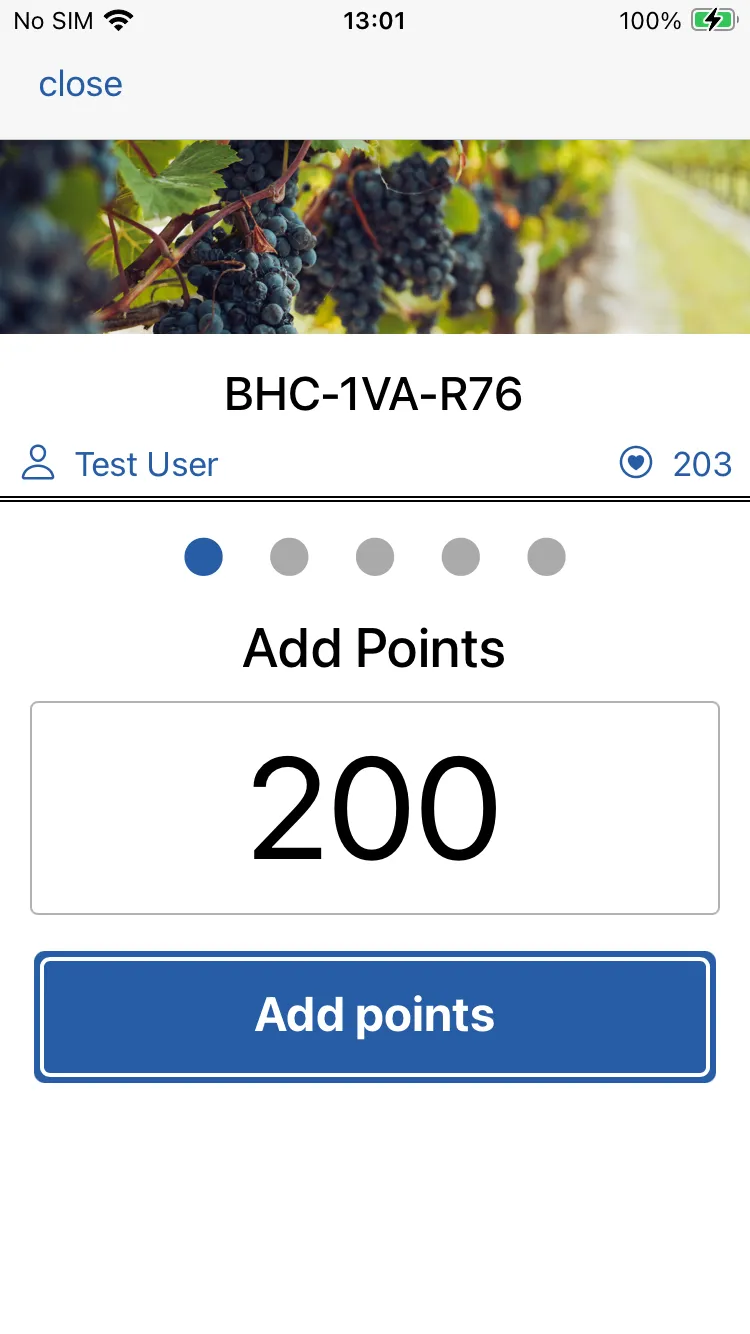
Add Points
When presented with a loyalty card, simple scan the barcode.
You’ll see the add points form. Simply enter the number of points and tap and hold add points button.

Add Points
When presented with a loyalty card, simple scan the barcode.
You’ll see the add points form. Simply enter the number of points and tap and hold add points button.
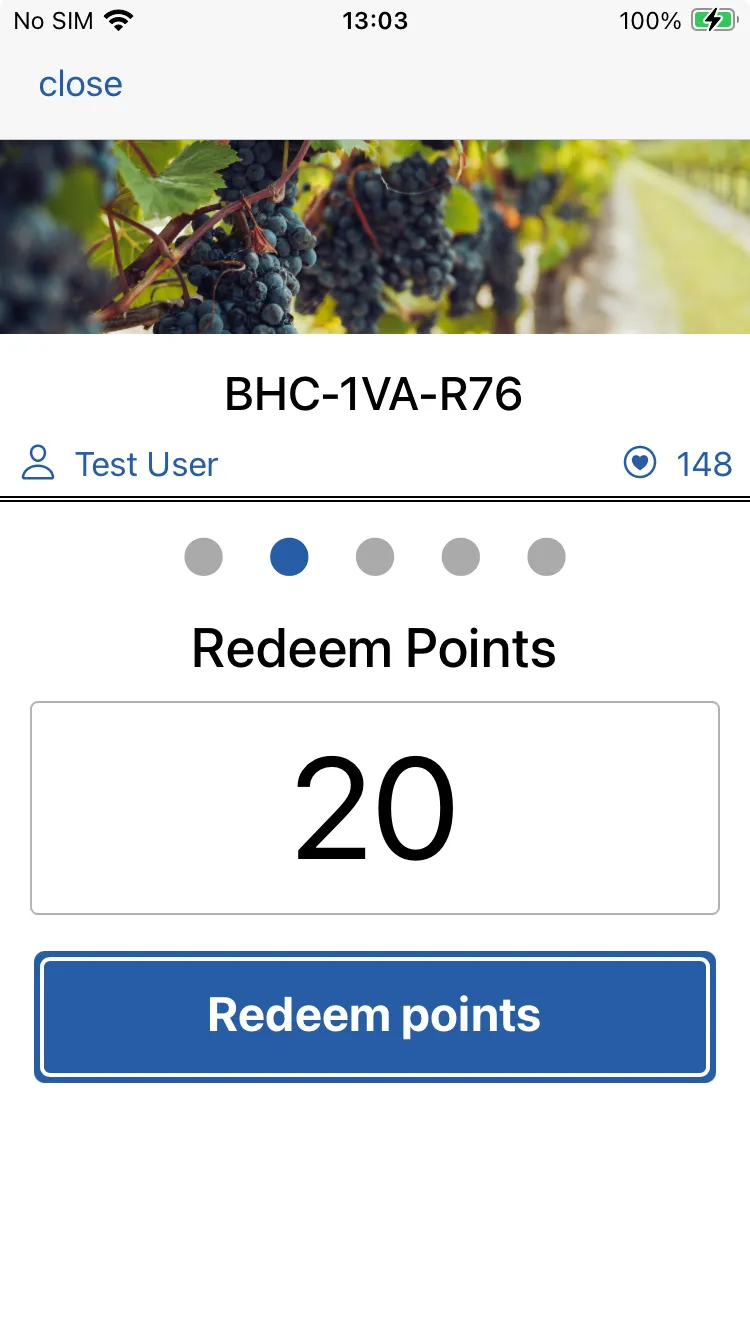
Redeem Points
Swipe left to the redeem points form.
Enter the number of points and tap and hold the redeem points button.
After a moment or two you’ll see a confirmation along with a transaction reference.
You might like to make a note of this reference for your till receipts.
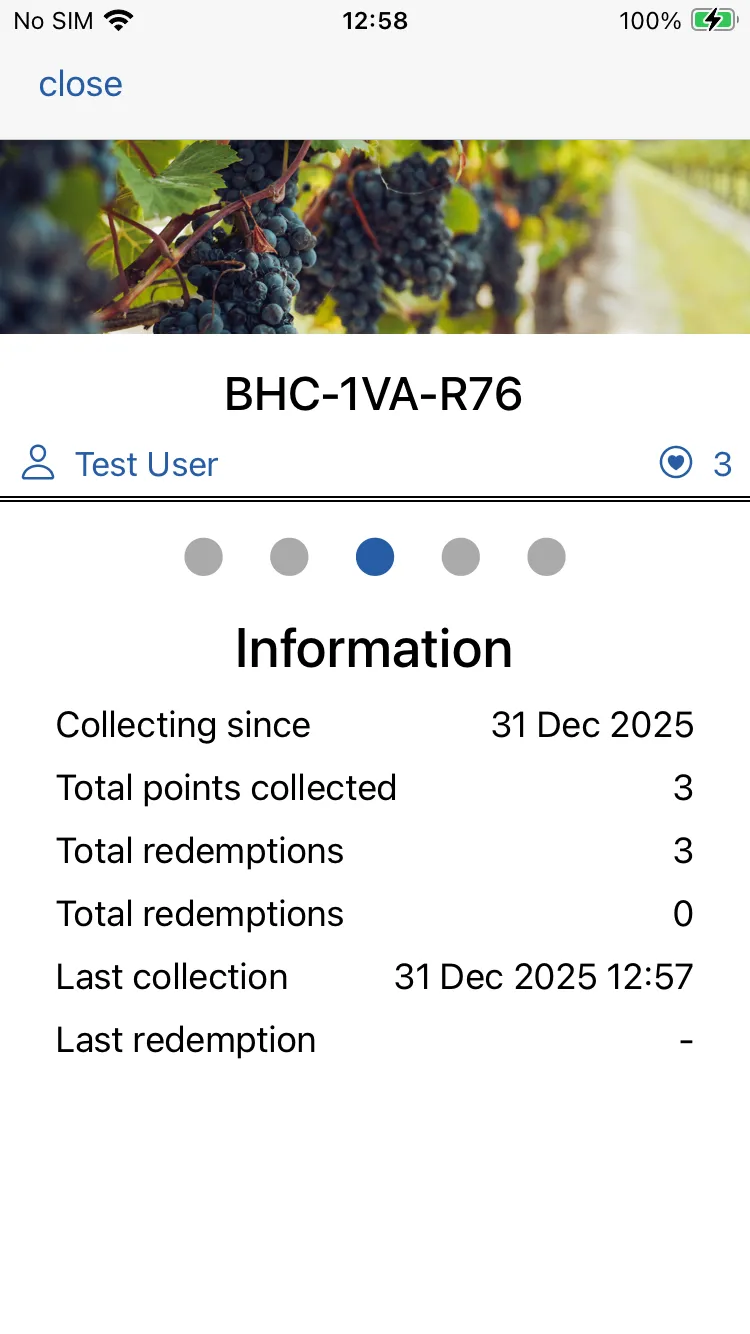
Information
Swipe left to the information page.
Here you can see a range of information relating to this loyalty card.
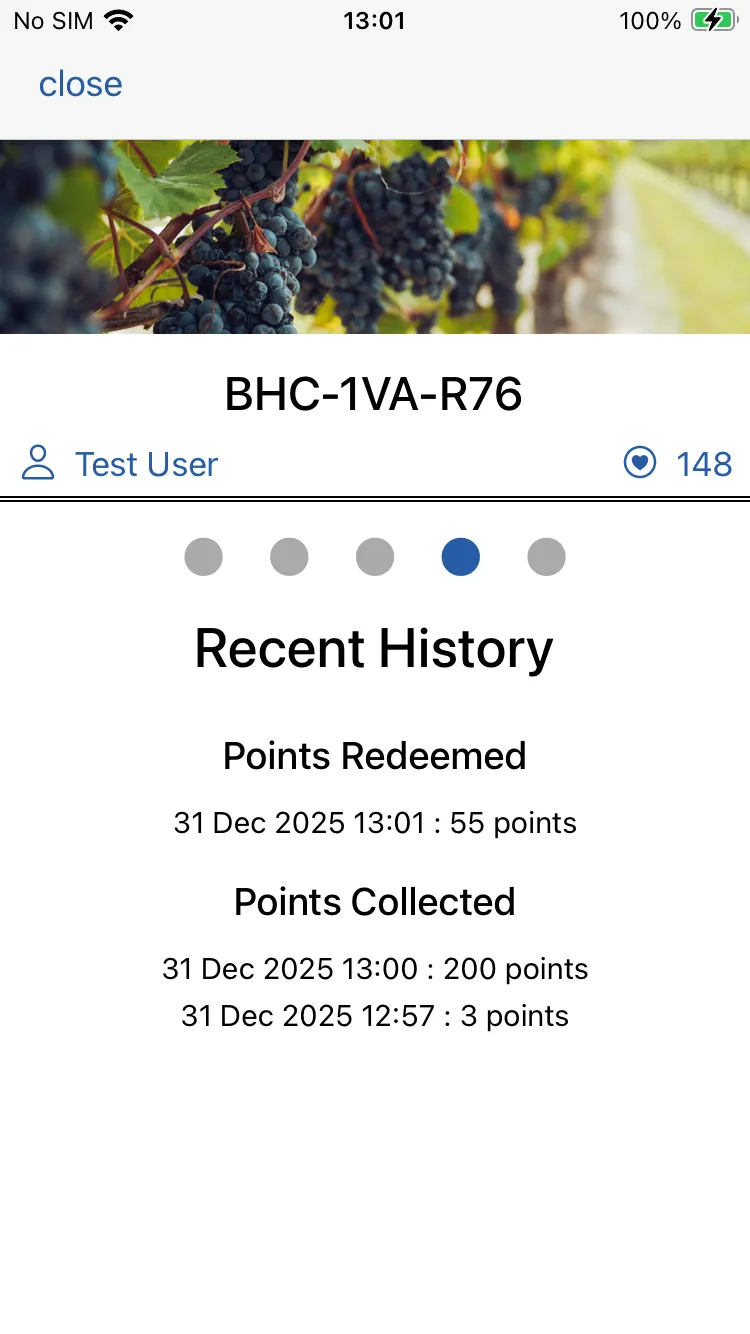
History
Swipe left to the history page.
Here you can see a history of points collected and redeemed.
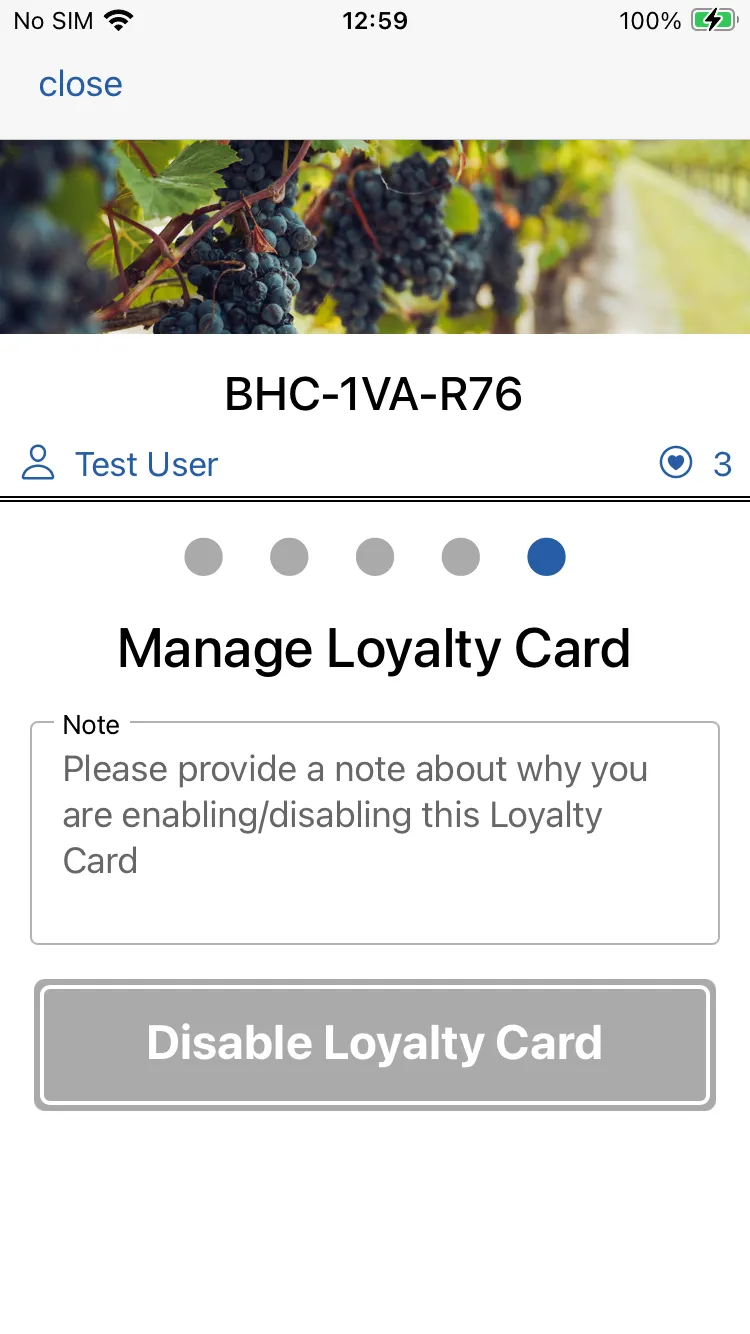
Manage Card
Swipe left to the manage page.
Here you can disable / re-enable a loyalty card if needed. Add a note to record why.